

About Course
Course Description
- Managing Project with Primavera P6 Professional training course is the blend of theory and practical scheduling approach with the combination of resource allocation, budget assignment, and earn value implementation to establish the project integration management.
- This training program is developed according to the PMI and AACEI standards to ensure practical application. This course has been divided in 10 lessons.
- Each course lesson will introduce you to the Project Scheduling steps in Primavera P6 and take you from building a schedule to updating and maintaining the schedule, schedule review, analysis, and reporting.
- The course ends by providing you with a hands-on experience on project performance reporting using MS excel, enabling you to enhance your project visual reports and communicate your project status information seamlessly and efficiently.
- In addition, each lesson comes with hands-on, real-life explanation that help you fully grasp the content covered in each lesson, allowing you to have practical experience in building and managing project schedules in Primavera P6.
- All you need to have is a basic understanding of scheduling concepts to get started.
- You have access to the entire course and instructor support forever so that you can watch and learn at your own pace.
- You won’t be left to direct on your own after completing our training course.
- We are committed to provide exceptional continuous support and expert guidance whenever you need it.
Access to Your Training Program on LMS
- You will have full access to the training program you pay for.
- Our online training programs are for individual use only and for lifetime access.
- You must not share your login information or the training material including training videos with anyone else even with your colleagues.
- If we notice that someone else is using your credentials without informing us, your access will be suspended.
Certificate of Completion
- Once you complete each training course, you will be granted a certificate of completion.
- Once the training will be completed, you have to send us a certificate request from your registered email to get the certificate.
- We will email you a digital copy of the certificate for your record so you can use as evidence for training completion and your competency.
- For any course that requires submission of a case study prior to graduation, you will not be granted a Certificate of Completion until you submit the Case Study for review and approval.
- Your Certificate of Completion is issued electronically, and your name is automatically taken from the name you entered during enrollment for the training program.
- If your name is incomplete, it’s your responsibility to update your name in your profile prior to your graduation from the training program, so the right name is entered in the Certificate of Completion.
Course Content
Lesson 1 : Introduction To Primavera P6 Professional
-
08:19
-
Installation Procedure & Database Management
10:43 -
Create Project For Learning P6
03:18 -
15:41
-
Main Enterprise Features in P6 Professional
17:19 -
Main Project Features in P6 Professional
15:09 -
Main Settings of Admin in P6 Professional
25:33 -
Main Features of User Preference & Tools in P6 Professional
15:23
Lesson 2: Work Breakdown Structure (WBS) of Your Project
Lesson 3: Detailed Schedule Development of Your Project
Lesson 4: Resource Load and Optimize Your Detailed Schedule
Lesson 5: Cost Load Your Detailed Schedule
Lesson 6: Perform Effective Schedule Review and Baselining
Lesson 7: Earn Value Management Essentials and Implementation in P6
Lesson 8: Periodic Status Update Your Schedule and Mitigate Impact
Lesson 9: Updated Schedule and Progress Analysis Report Preparation
Lesson 10: S-Curve and EVM Dashboard Preparation in Excel
Bonus/FAQ (Frequently Asked Questions) ENGLISH
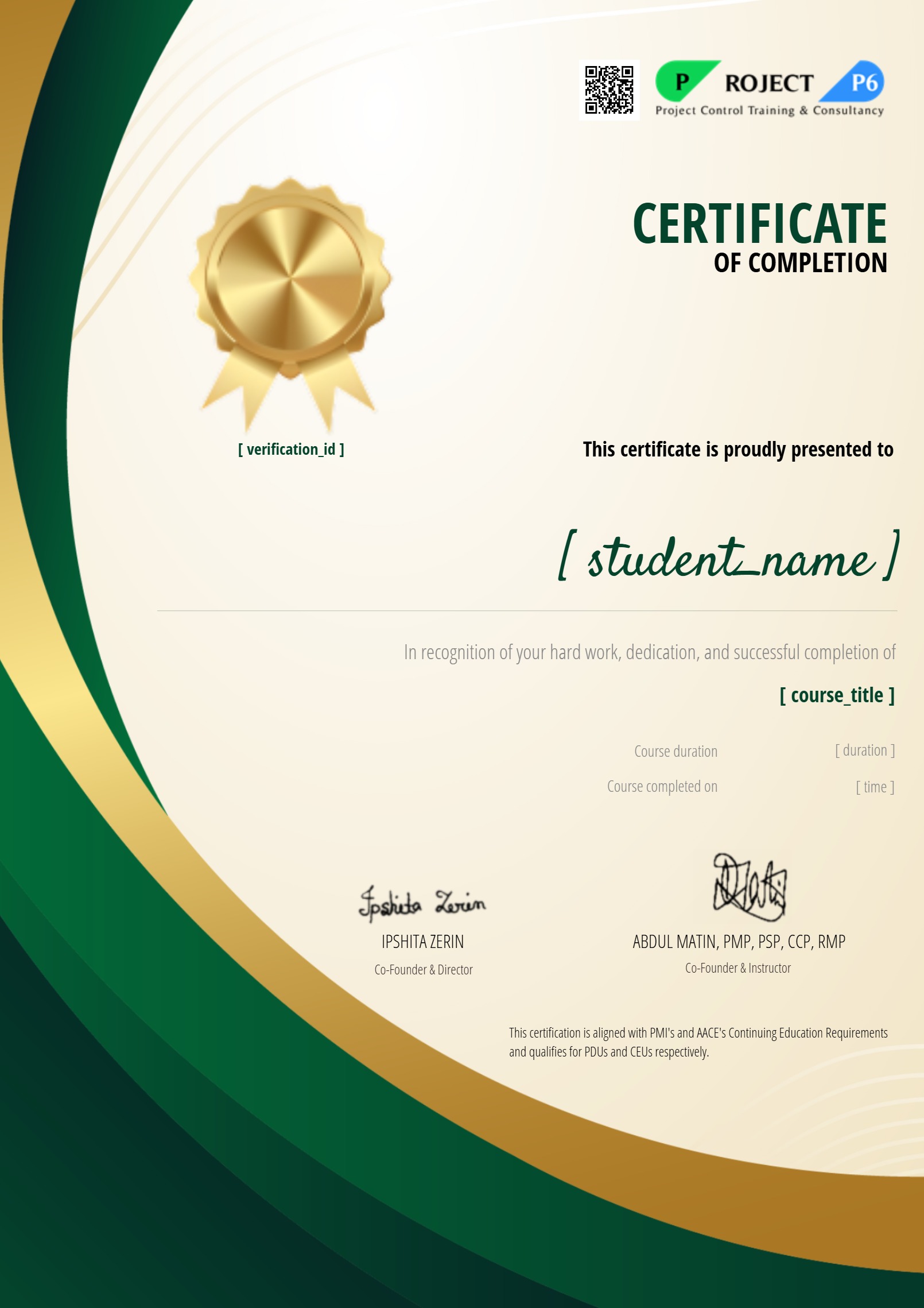
Earn a certificate
Add this certificate to your resume to demonstrate your skills & increase your chances of getting noticed.
Student Ratings & Reviews

No Review Yet